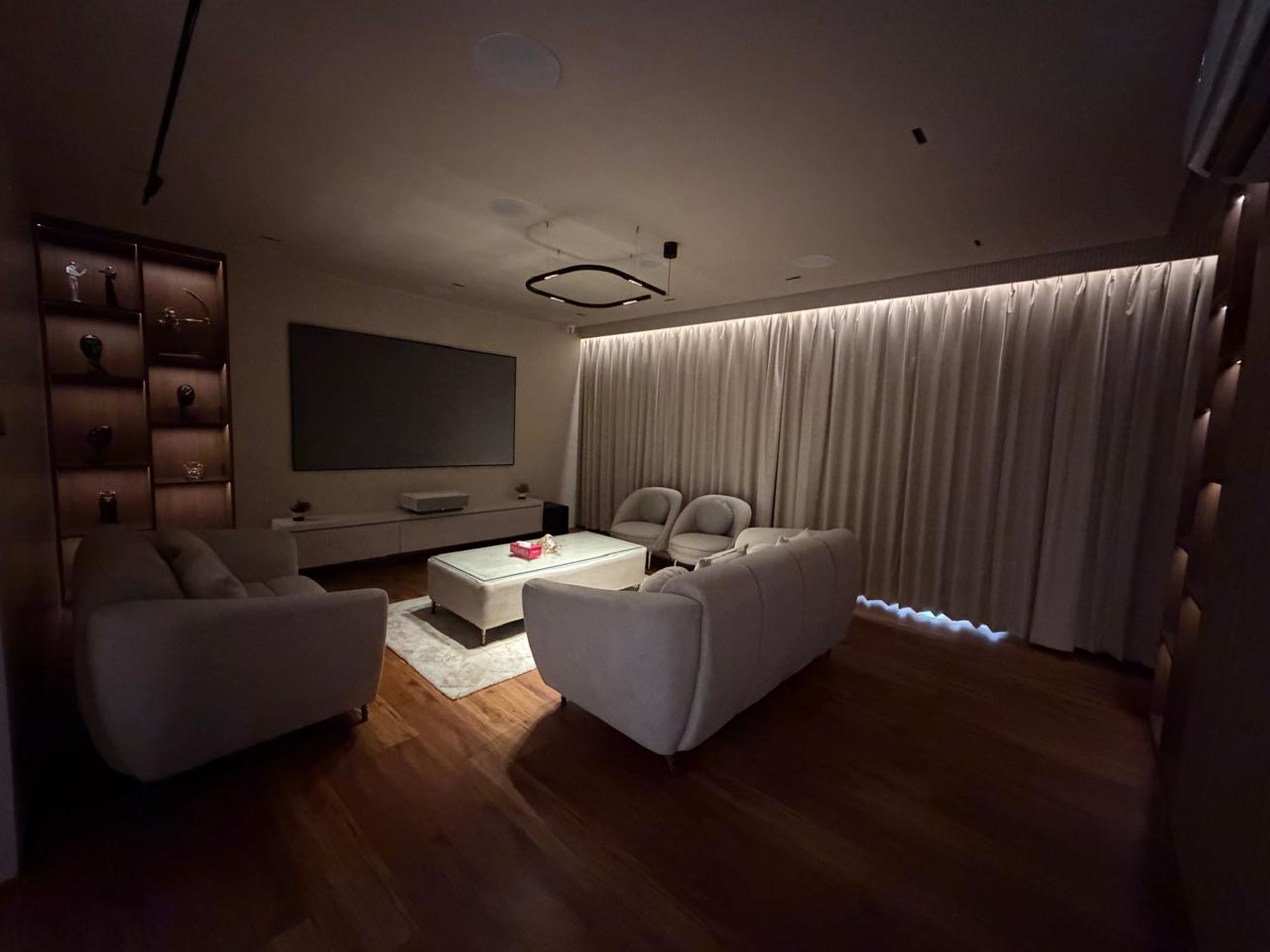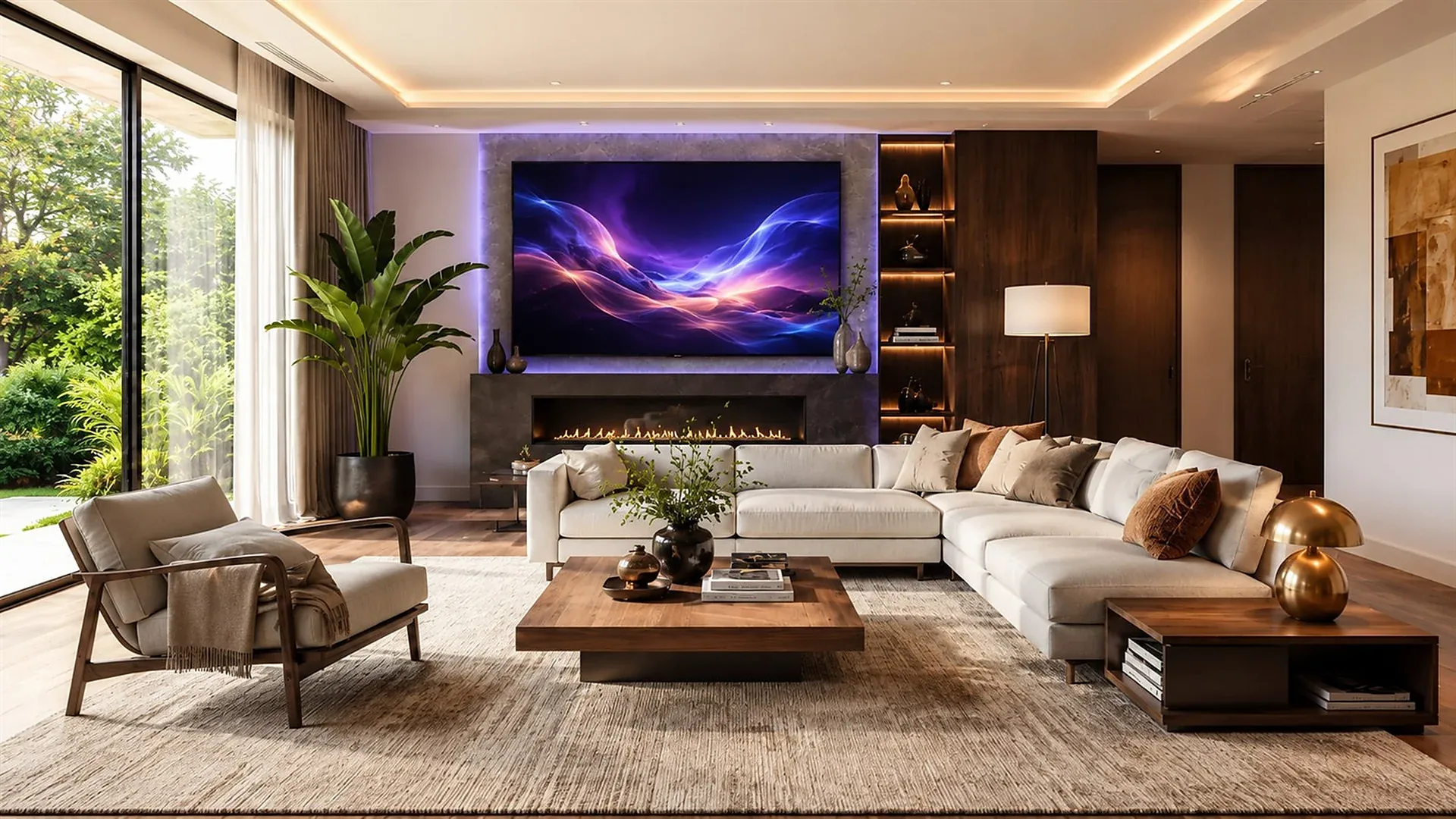
A considered living room where lighting, comfort and technology work together

The Cosmic Homes Journal

Useful thinking for homes that should feel effortless.

Straightforward guides for homeowners, architects and interior designers planning automation, lighting, entertainment, security and connected infrastructure in Lucknow, Kanpur and beyond.

  • Early decisionsbefore construction makes them costly
  • Real homesnot product-first checklists
  • Clear languagefor every member of the project team

Plan with confidence

A calmer route through residential technology.

A connected home should not begin with a list of devices. It begins with the rooms, routines and details that make a home personal: how a family arrives, hosts friends, watches a film, wakes up, works, rests and leaves.

These guides explain the questions worth resolving before wiring, ceilings, joinery and finishes make changes expensive. Each one links to the relevant Cosmic Homes service for a more detailed conversation.

Planning library

The decisions behind a home that works naturally.

Start with the guide closest to the question your project is trying to solve.

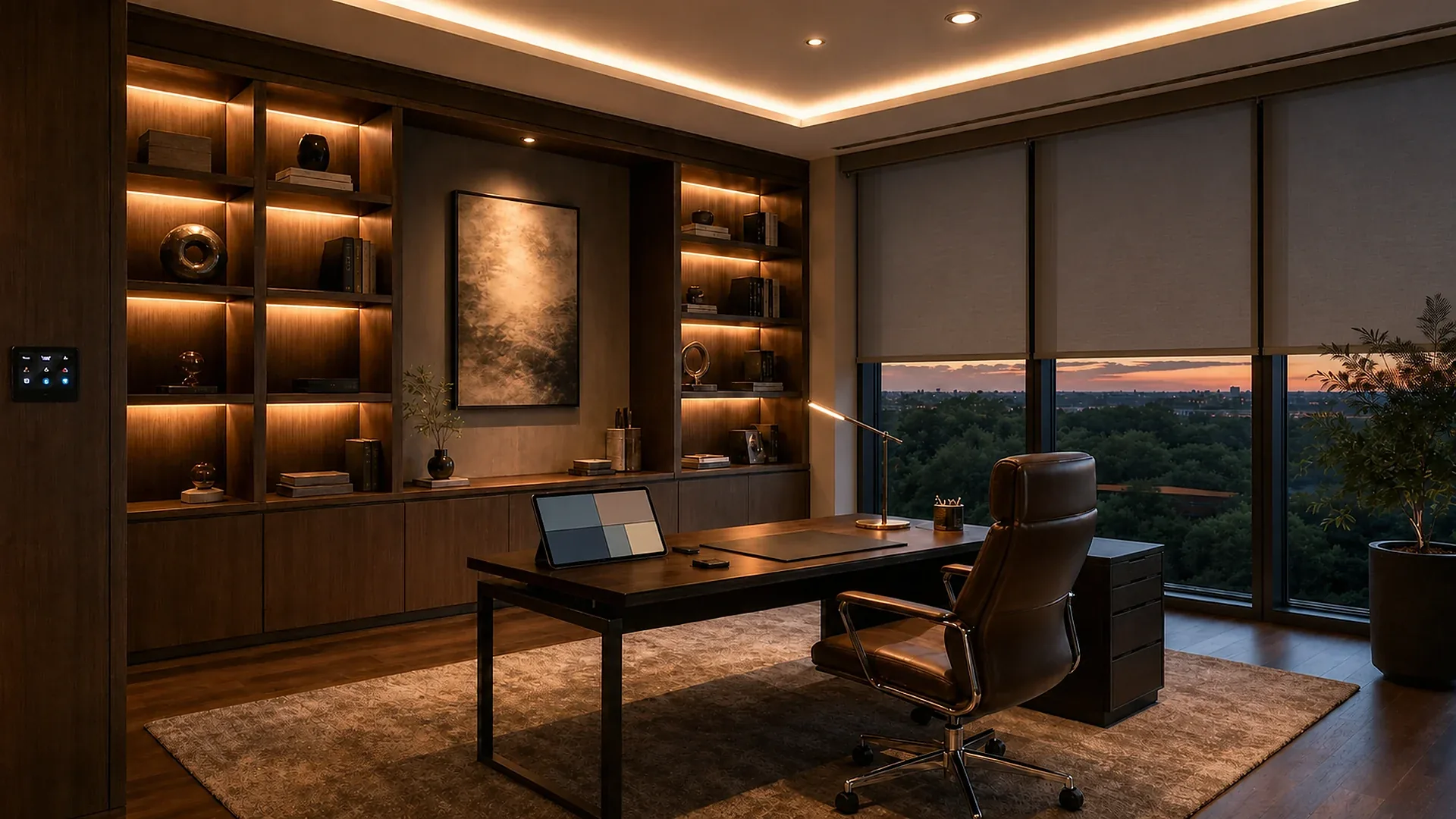
Artwork illuminated with focused residential lighting

Residential lighting

Layer light around the way a room is used.

Ambient, task, accent and decorative light each have a different job. Planning them together gives a room depth without glare, lets art and materials read properly, and makes every scene easier to tune through the day.

What to decide early

  • Give every layer a distinct role in the room.
  • Check glare and reflection before fixtures are final.
  • Plan scenes around daylight as well as evening use.
Explore lighting design
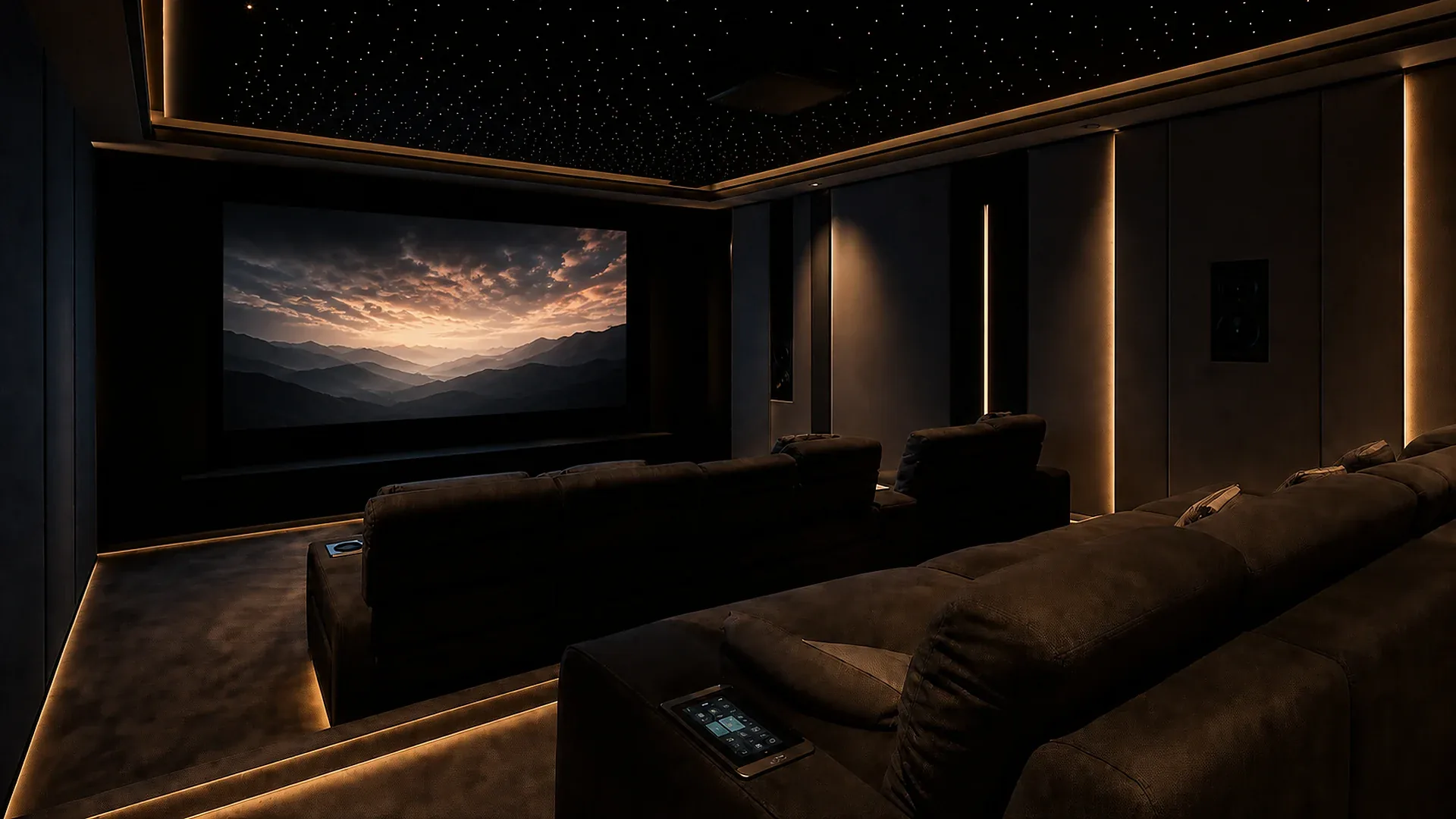
Private home theatre ready for a film

Audio-video and theatre

Make the room part of the performance.

A private cinema is more than a projector and speakers. Screen position, seating, acoustic treatment, equipment ventilation, blackout, lighting and simple everyday control are all part of the final experience.

What to decide early

  • Set the screen and seating relationship first.
  • Leave proper space for equipment cooling and service.
  • Make the first button press simple for everyone.
Explore audio-video and theatre
Secure residential entrance with controlled access

Security and access

Protect the home without making it feel guarded.

Useful security begins at the gate and entrance: clear visitor communication, sensible camera viewpoints, reliable access decisions and alerts that prioritise meaningful events instead of constant notifications.

What to decide early

  • Start with the visitor route, not the camera count.
  • Choose viewpoints that answer a real household question.
  • Use alerts only for activity that needs attention.
Explore security and access
Home office supported by reliable Wi-Fi networking

Wi-Fi networking

Build the quiet infrastructure first.

Strong Wi-Fi is designed, not guessed. A planned wired backbone, correct access-point positions, secure segmentation and capacity for future devices make work, streaming, cameras and automation feel reliably invisible.

What to decide early

  • Plan wired backhaul before ceilings and finishes close.
  • Place access points for rooms, not just square metres.
  • Separate guests and connected home systems intelligently.
Explore Wi-Fi networking

Before the drawings are fixed

Five questions that prevent expensive late changes.

These are the conversations that help the architect, interior designer, electrician and homeowner work from the same picture.

  1. 01

    What should each room do differently at different times?

    List the actual routines, not just the devices you have seen online.

  2. 02

    Which controls need to be available without a phone?

    Identify the actions that should be simple for family, guests and staff.

  3. 03

    Where will equipment, cables and service access live?

    Resolve the invisible spaces before ceilings, joinery and finishes are closed.

  4. 04

    Which layers must work together?

    Lighting, shading, climate, AV, access and network systems become more useful when their handovers are planned.

  5. 05

    How will the home be handed over and supported?

    Documentation, labels, user guidance and a support route are part of a complete installation.

Common questions

Good technology begins with good questions.

A few practical answers for home projects in Lucknow and Kanpur.

When should smart-home planning begin?

As early as possible, ideally when floor plans, electrical routes, lighting layouts and interior concepts are still flexible. This is when control points, cable paths, equipment space and ceiling coordination can be resolved cleanly.

Can an existing home be upgraded?

Yes. A site review helps identify the best retrofit route. Some upgrades can work room by room, while others benefit from planned wiring, network improvements or coordinated changes during renovation.

Do I need an app for every system?

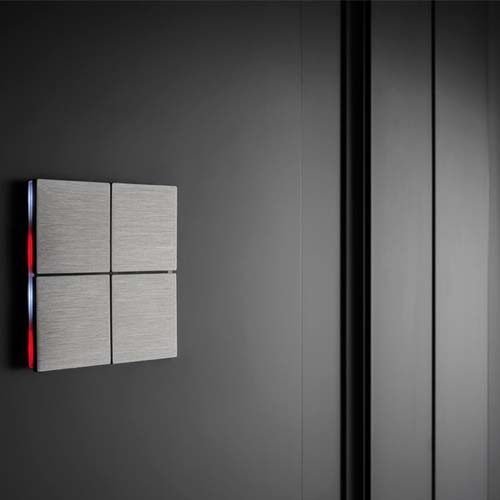
No. A well-planned home keeps everyday actions familiar with keypads, simple remotes, sensors and scenes, while an app provides useful extra access instead of becoming the only way to operate the home.

Why does a home need more than one Wi-Fi access point?

Walls, floors, material density and room use all affect wireless coverage. Multiple coordinated access points, ideally supported by wired backhaul, provide better coverage and capacity than expecting one router to cover every corner.

Bring the brief

Start with the home, not a shopping list.

Share a floor plan, interior brief or renovation question. Cosmic Homes will help identify the decisions that protect comfort, design and future service.