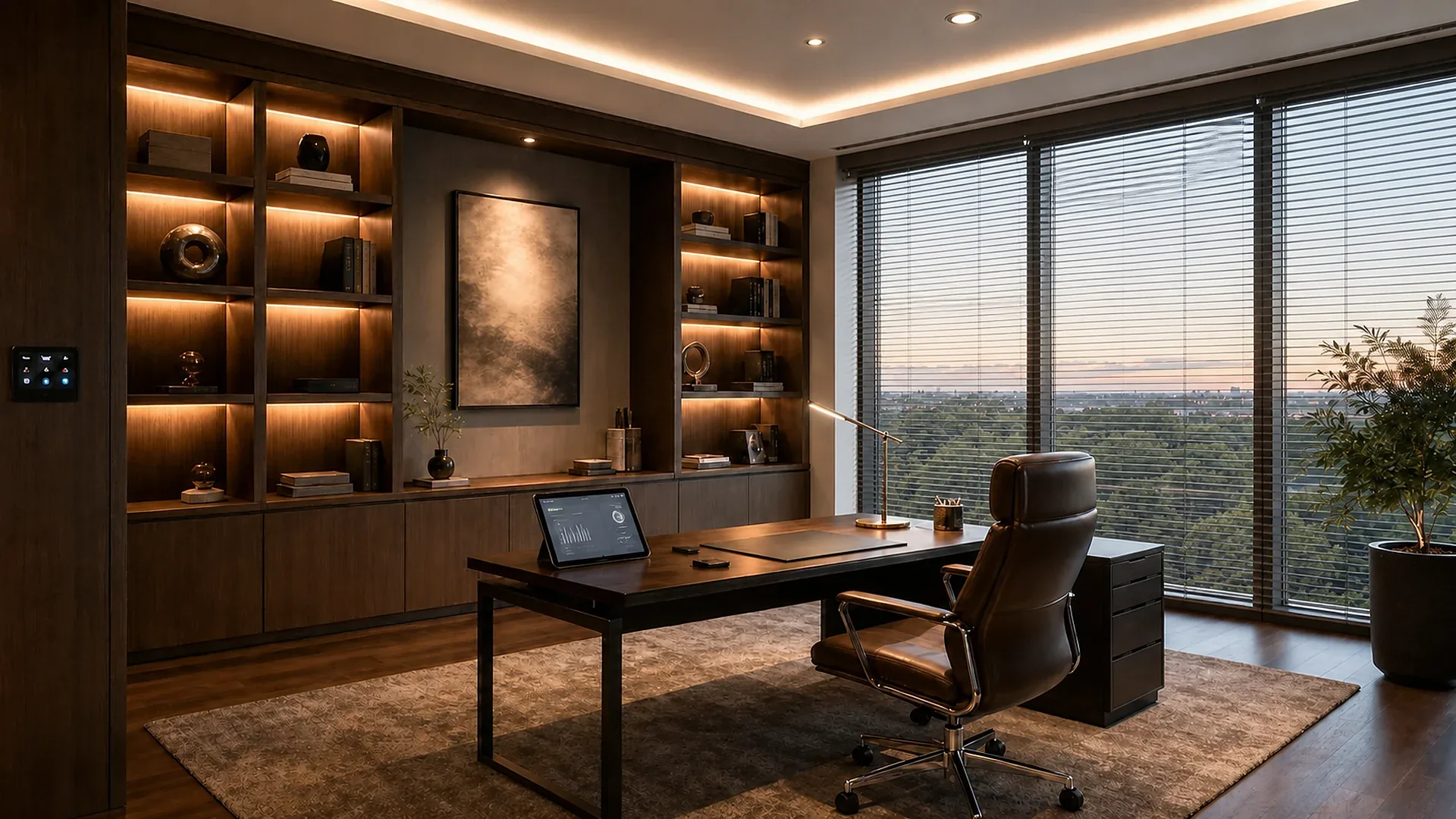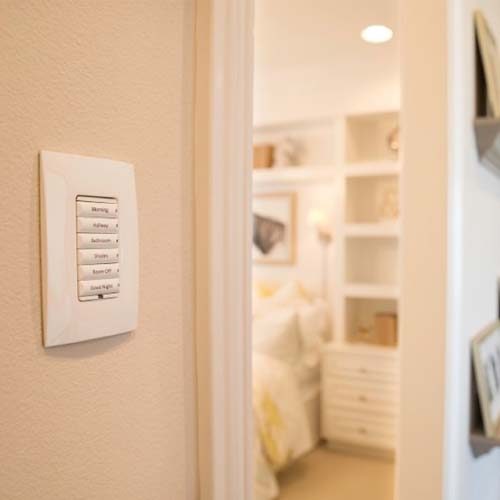
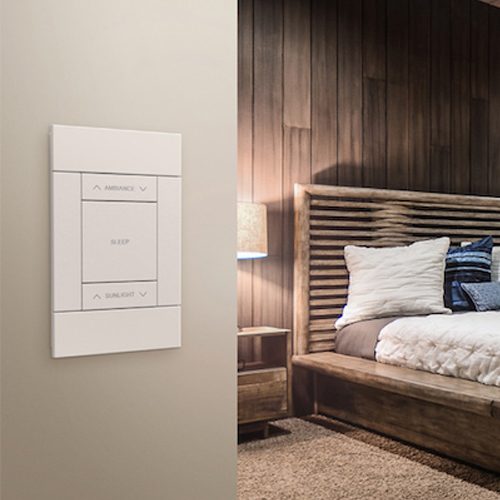
Residential control interface that depends on a reliable home network

Wi-Fi networking

The invisible foundation behind a connected home.

Every room can feel simple when the network underneath is planned properly: strong coverage, an organised wired backbone and space for the devices a home will add over time.

Explore networking
  • Coveragereliable in every useful room
  • Wired corestable where it matters most
  • Organisedready for future devices

Designed before it is needed

A smart home is only as dependable as the network carrying it.

Cosmic Homes treats networking as a planned building service, not an afterthought hidden behind a router. We map coverage, cabling routes, equipment placement and the needs of AV, security and automation from the beginning.

Apostle Automation's connected-control work depends on clear communication between controllers, touch panels, media, security and remote services. A structured network keeps that layer stable and easier to support.

A reliable foundation

The house works better when connectivity has a proper architecture.

  1. 01

    Internet arrival

    The incoming service is brought to a considered location with power, ventilation and future service access in mind.

  2. 02

    Wired backbone

    Structured cabling carries stable connections to important rooms, AV equipment, access points and central systems.

  3. 03

    Wi-Fi coverage

    Access points are positioned around real rooms and building materials, not guessed from one router location.

  4. 04

    Device order

    Connected systems are organised so new devices, maintenance and future upgrades remain manageable.

Build for now and later

A stable wired core, with wireless freedom where people use it.

A dependable residential network is not one powerful router. It is a planned combination of cabling, switching, access points, equipment space and configuration.

Organised wired residential infrastructure

New construction

Structured cabling for the systems that should not guess.

Dedicated routes connect access points, televisions, AV racks, cameras, controllers and work areas to an organised central location.

Strongest advantage
Stable performance and easier future service for fixed equipment.
Best moment to decide
Before electrical routes, ceilings and joinery are closed.
What it asks from the project
A labelled cable plan, suitable rack space, power, cooling and spare capacity.
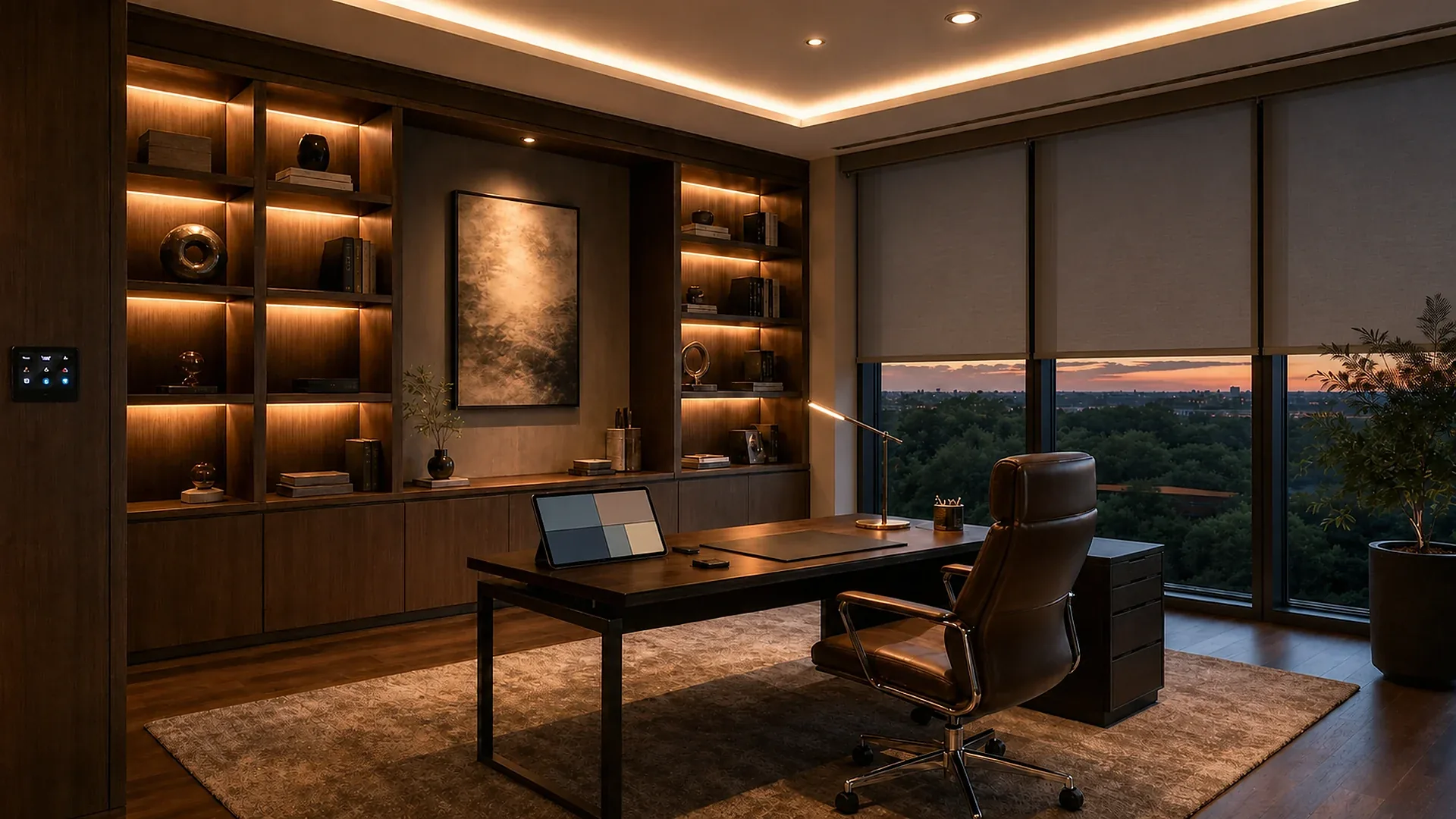
Home office supported by reliable Wi-Fi coverage

Every useful room

Wi-Fi coverage planned around the building.

Access points are positioned for actual rooms, walls, floors and outdoor areas, giving phones and mobile devices freedom without asking one router to cover everything.

Strongest advantage
Consistent mobility and fewer weak zones across the property.
Best moment to decide
When ceiling positions and wired access-point routes can still be coordinated.
What it asks from the project
A coverage plan, wired backhaul, sensible placement and secure configuration.

What a good network protects

Reliability, privacy and a clear path for change.

The network is infrastructure. It should support daily life quietly, separate different kinds of access and remain understandable when a device or service changes.

Home office depending on a stable wired and wireless network
Invisible infrastructureCalls, streaming and smart systems simply remain available.
01

Fixed systems use the wired core

Access points, AV, cameras and controllers gain predictable links where practical.

02

Coverage follows rooms and materials

Floors, walls, glass, outdoor areas and actual usage shape access-point positions.

03

Guests stay appropriately separate

Visitor access does not need to expose management interfaces or household systems.

04

Critical equipment has stable power

The incoming service, router, switches and controllers are protected and ventilated.

05

Remote access is intentional

Accounts, updates and support permissions are managed rather than left at defaults.

06

The system is documented

Ports, cables, access points, settings and ownership remain clear for future support.

A network felt through the home

Reliable connectivity makes every smart experience less noticeable.

The best result is simple: a call remains clear, a film starts promptly and the devices around the home do what they are meant to do.

Try the room experiences
01

Workday

Coverage and wired connections support calls, screens and the home office without competing for attention.

02

Movie night

Streaming, control and the theatre scene work as one well-prepared room.

03

Guest arrival

Visitors can be offered the right connection without opening up the rest of the home's connected systems.

04

Remote support

When suitable and approved, service teams can diagnose supported systems without disrupting the household.

From floor plan to stable connection

Network design begins with rooms, not signal bars.

Cosmic Homes coordinates coverage and cabling with the systems that depend on them, then tests the finished home under realistic use.

  1. 01

    Count the real demand

    Map residents, guests, work, streaming, AV, security, automation and future devices.

  2. 02

    Plan the backbone

    Define incoming service, rack, switches, cabling routes, access points and backup power.

  3. 03

    Coordinate positions

    Resolve ceiling, joinery and exterior locations before finishes make them difficult.

  4. 04

    Configure securely

    Organise household, guest and specialist-system access with managed credentials and updates.

  5. 05

    Test and document

    Verify coverage and wired links, then record labels, settings and the route for support.

Questions, answered

Network decisions are easier when they are made before the interiors are closed.

We plan dependable coverage and the infrastructure behind it around the actual rooms, not an imaginary floor plan.

Why is one Wi-Fi router often not enough?

Homes have walls, materials, floors and room uses that can weaken coverage. Proper access point positions are planned around those real conditions.

Should every device use Wi-Fi?

Not necessarily. Important fixed systems may benefit from wired connections, while Wi-Fi gives people and selected devices practical flexibility.

Can the network be expanded later?

Yes. Documented cabling, sensible equipment locations and organised configuration make future additions more straightforward.

What should I share before a network consultation?

A floor plan, the number of floors, work and entertainment areas, and the location of your internet connection help explain the home’s needs. Include any rooms where you currently experience weak coverage.

Make it personal

Discuss home Wi-Fi and networking on WhatsApp ↗

Start with the plan

Tell us where the home needs to stay connected.

Share a floor plan, internet concern or the devices you expect to use. We will help map the network before the finish decisions make it harder.

Organised residential wired infrastructure

Wired backboneA stable route for every fixed system that matters.

A closer look

Why cable a home in a wireless world?

Wireless is essential for mobility, but fixed high-demand and infrastructure devices perform best when they have a dedicated route. A structured wired core also lets access points deliver better Wi-Fi because their own connection does not need to compete over the air.

Useful wired destinations

  • Wireless access points and work areas
  • Televisions, AV racks and media rooms
  • Cameras, door stations and controllers
  • Future rooms and service locations

What protects the investment

  • Correct cable for route and application
  • Labels at both ends and as-built records
  • Managed rack power and ventilation
  • Spare ports, conduits and capacity
Home office using reliable Wi-Fi

Wi-Fi coverageFreedom to move without falling into weak zones.

A closer look

Why does one router struggle in a real home?

Signal changes across floors, reinforced walls, mirrors, stone, lifts and outdoor transitions. Planned access points divide the work, while wired backhaul and coordinated configuration help devices move between areas without treating every floor as a separate network.

Plan around the building

  • Floor plans, materials and room use
  • Indoor, terrace, garden and driveway needs
  • Ceiling positions with power and data
  • Expected users and simultaneous demand

Configure around people

  • One coherent household experience
  • Separated guest and specialist systems
  • Managed updates and strong credentials
  • Testing in the finished, furnished home

Cosmic Homes

Discuss your project

Tell us what you would like your home to do.